- Click“Post jobs”button in‘Recruit Member login’ frame on the upper right conner of home page.
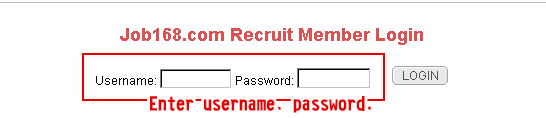
- Enter into‘Recruit Member Login’interface ,and log in by entering employer member account.
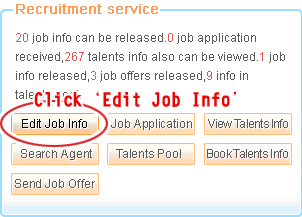
- Click‘
 ’button in “Recruitment service”frame when entering into enterprise recruiting system. Enterprise user can post, update, pause and delete job ads according to recruitment requirements.
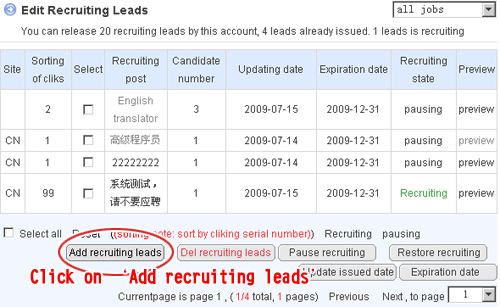
 - Click "
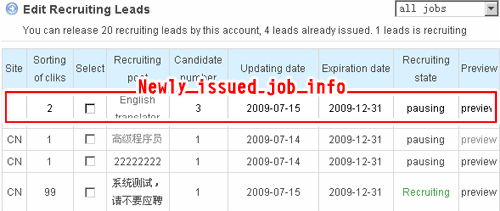
 " button in the lower part of the list,‘Edit Recruiting Leads’ list will display in the right side after refreshing page
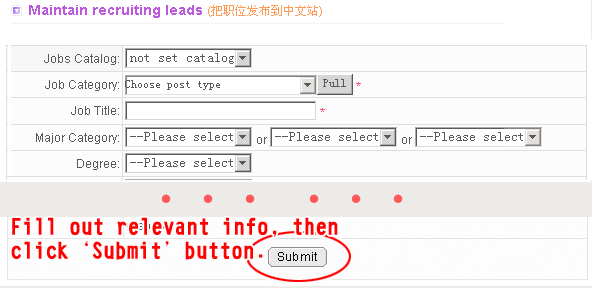
 - Enterprise user can fill out the specific position requirements after‘Maintain recruiting leads’page display.(Note: please fill out info according to relevant requirements in order to avoid unsuccessful submit. After that, Click‘
 ’button in the lower part of the page to finish job posting.
 - This page will automatically refresh, and newly issued job info will be shown in ‘Edit Recruiting Leads’ list.