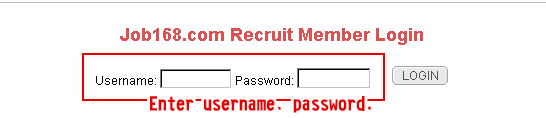
- Log in by using enterprise recruitment account
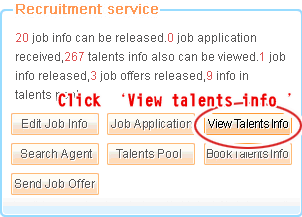
- Enter employer recruitment page, and Click ‘
 ’button in left‘
 ’column.
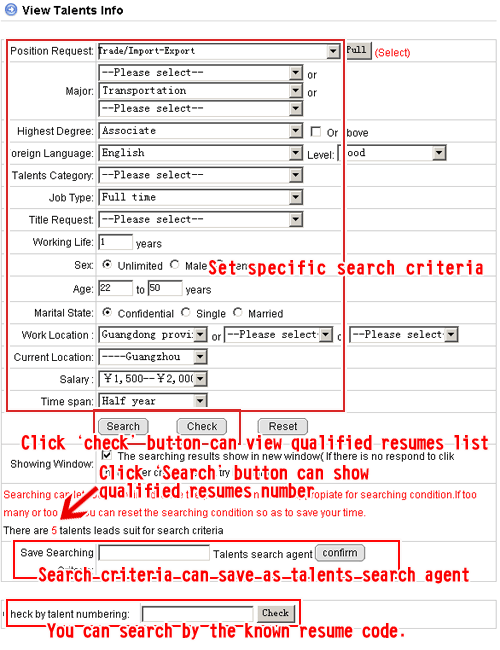
 - You can search talents resume by setting specific criteria, & save search criteria as talents search agent to facilitate future. Clicking‘
 ’button can let you know qualified talents number.If
too many or too few, you also can reset search criteria so as to save your time.
’button can let you know qualified talents number.If
too many or too few, you also can reset search criteria so as to save your time. - Set search criteria, and click‘
 ’button, and the page will display qualified talent resumes list.
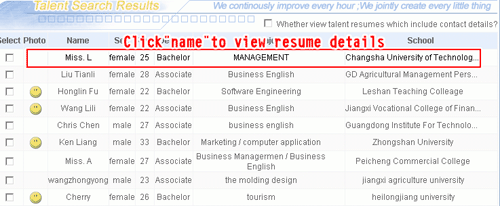
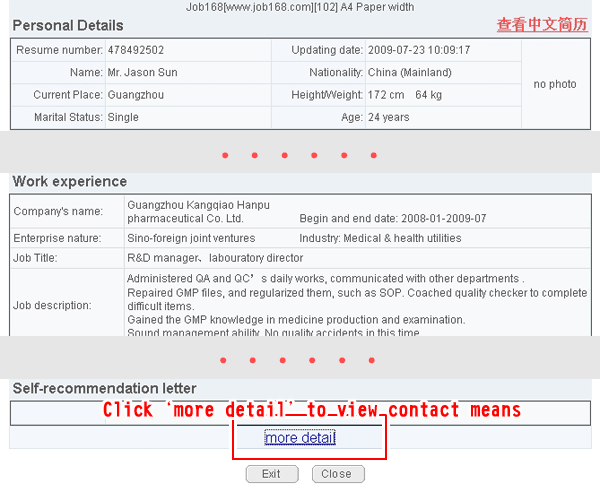
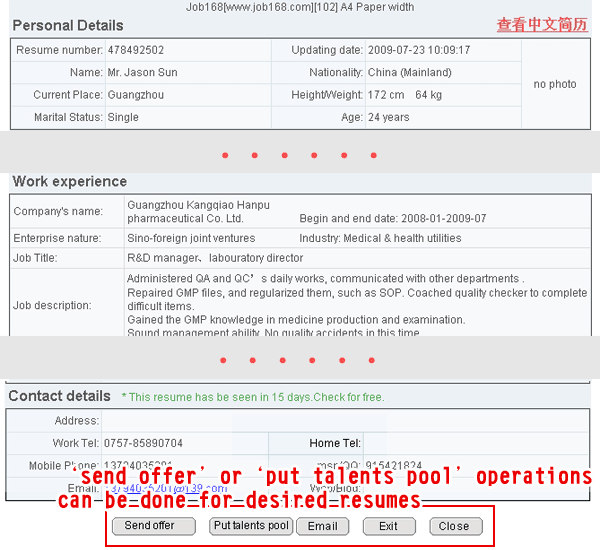
 - Click on jobseeker name to view specific resume content. For desired resume, click‘more detail’to view detailed contact means.
- You can save resumes in company’s talents pool as references for future enquiries
by clicking ‘
 ’button.You can send resume details to the appointed mail box by clicking‘
 ’button.